
How to photograph a damaged code
How to photograph
a damaged DataMatrix
a damaged DataMatrix
✕ POOR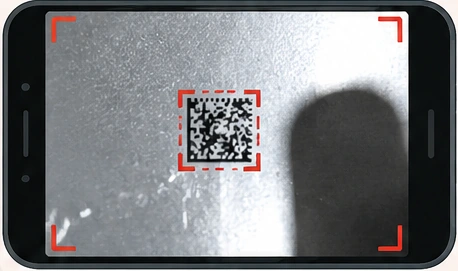
Small code · blur
glare · phone shadow
✓ GOOD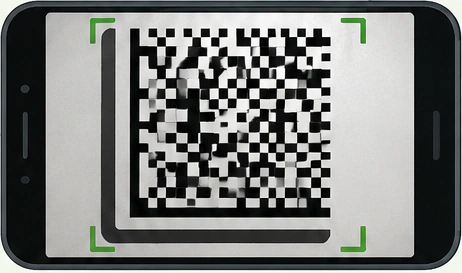
Code fills the frame
sharp · evenly lit
1
Find bright, even light. Avoid glare and strong shadows.
2
Do not hold the phone too close. Step back slightly and try 2×–3× zoom. Keep the small modules sharp.
3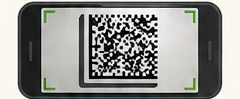
Make the code fill more than half the frame. Keep the complete code and its edges in view.
4
Hold the phone directly in front of the code. Avoid a steep angle. Preferably orient the solid L-shaped border to the left and bottom.
5
Tap the code on the screen. Wait for sharp focus, then take the photo.
Send the original photo — not a screenshot.
Use the phone’s regular camera rather than the messenger camera. Avoid direct flash. Send the original image at full quality.