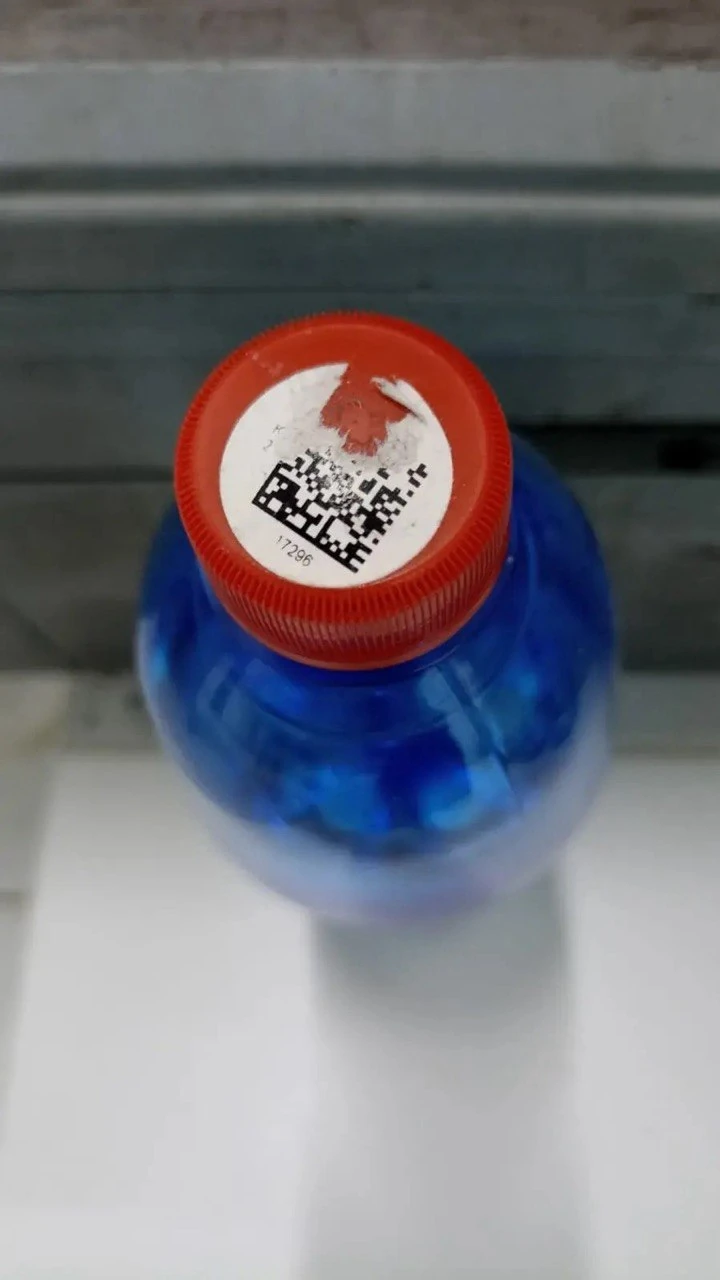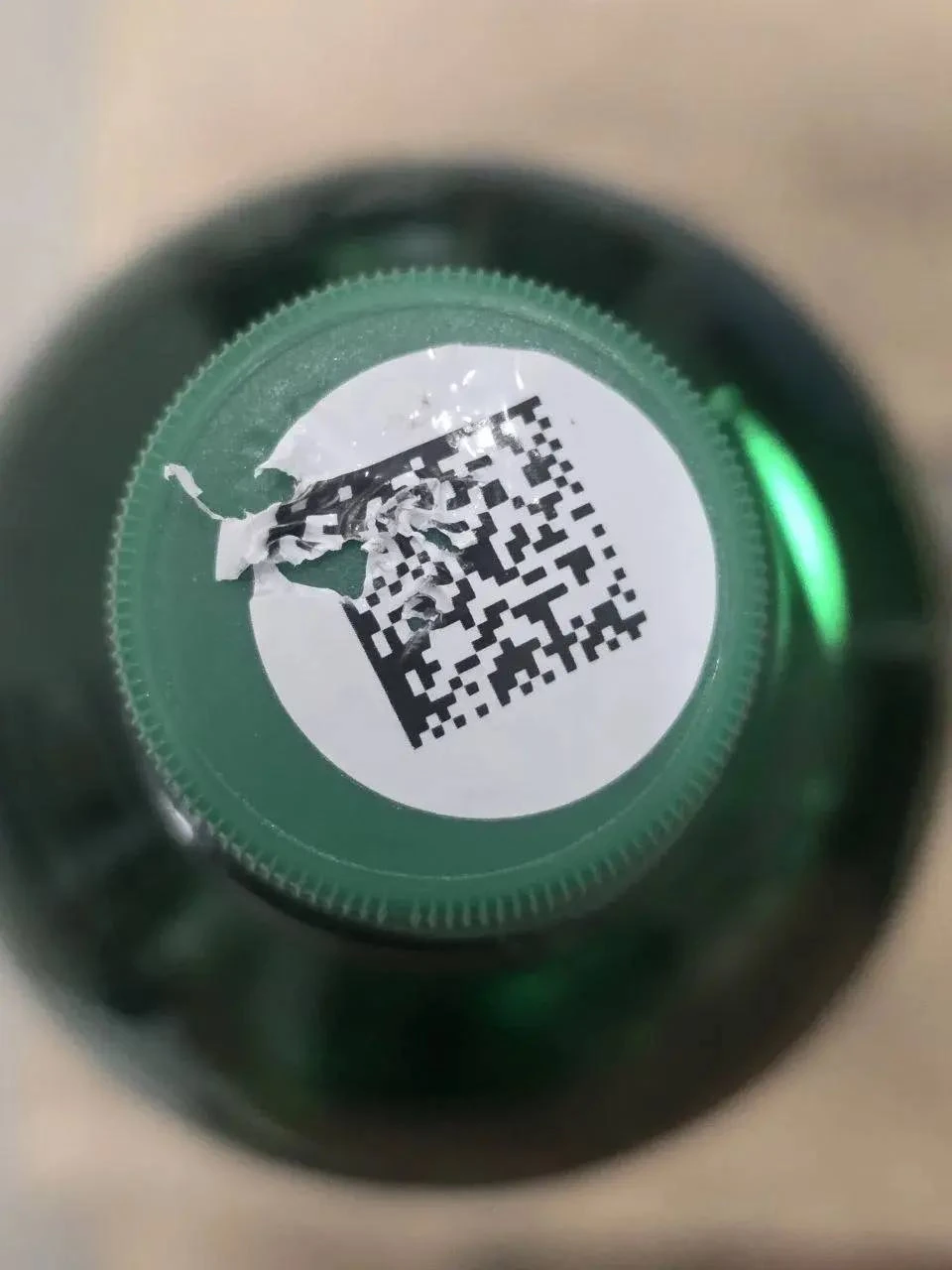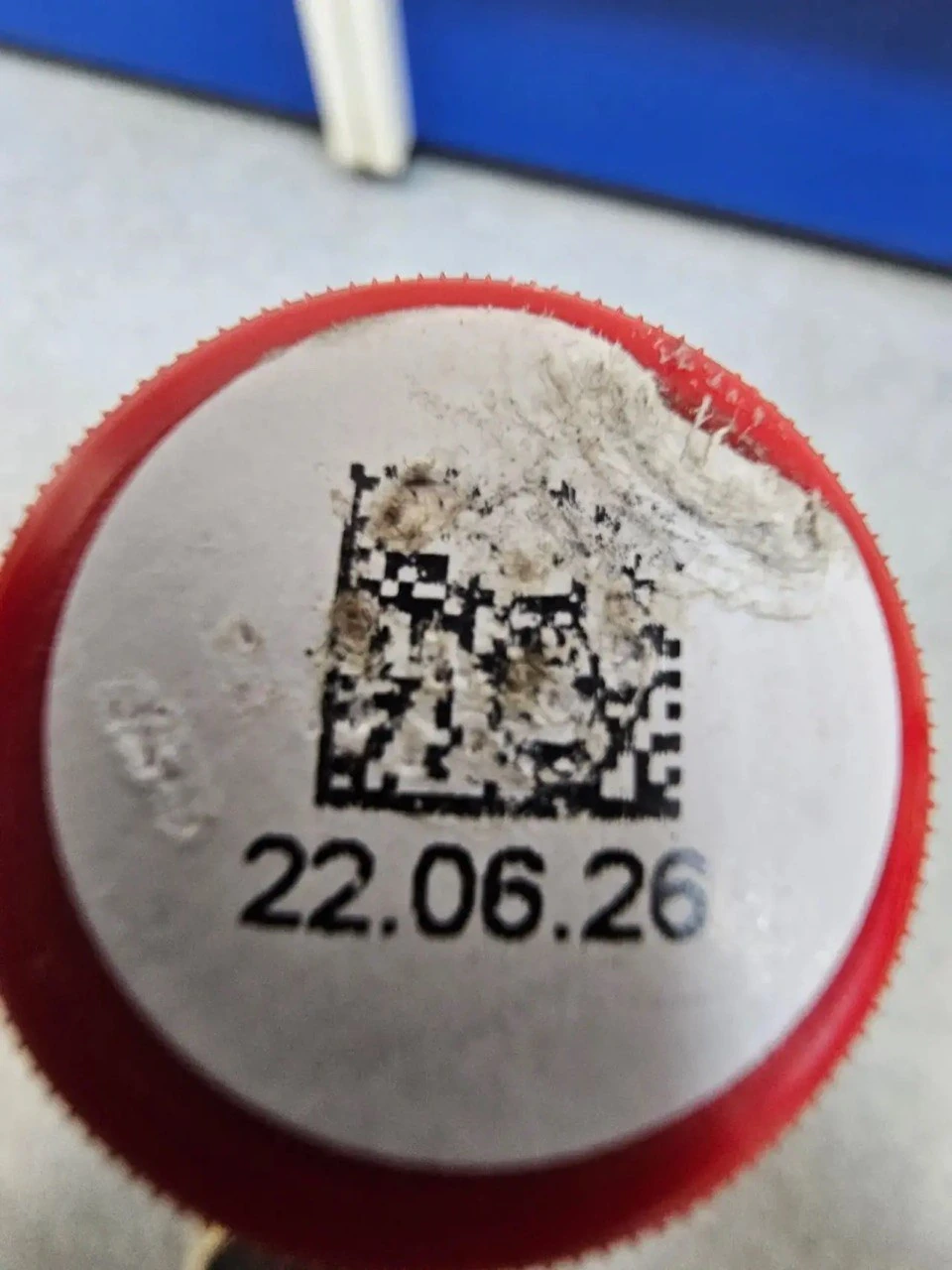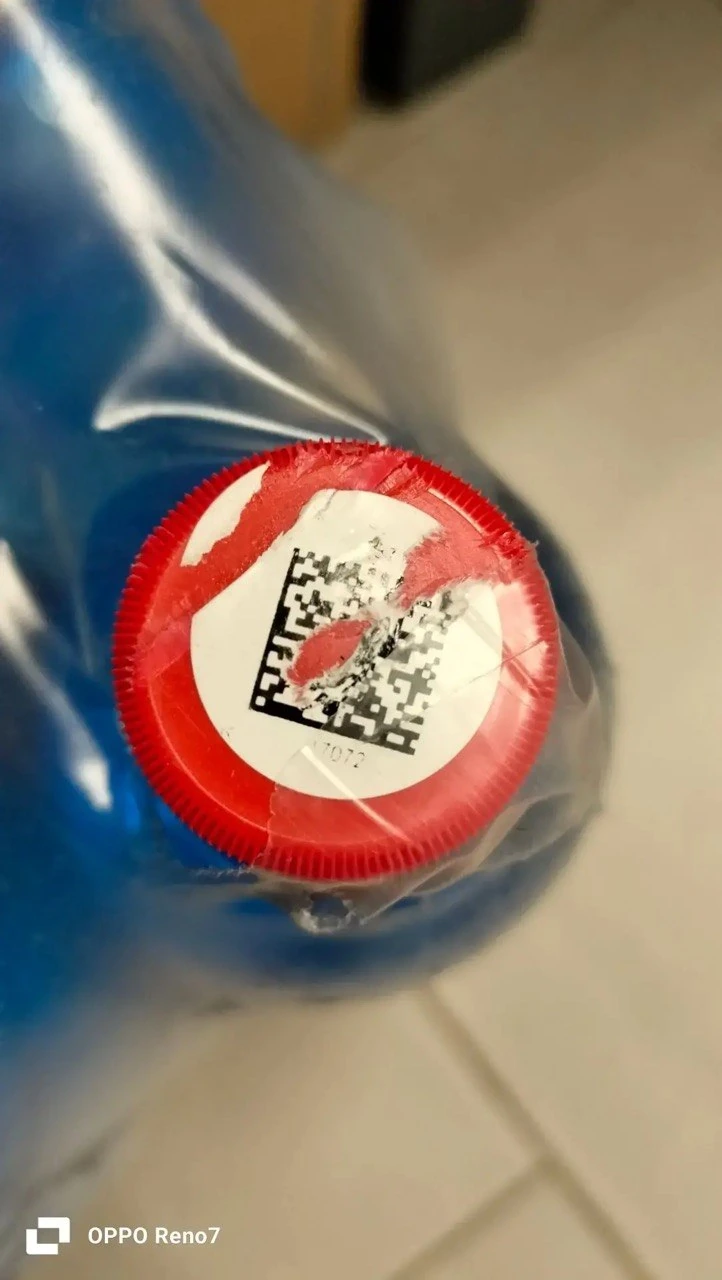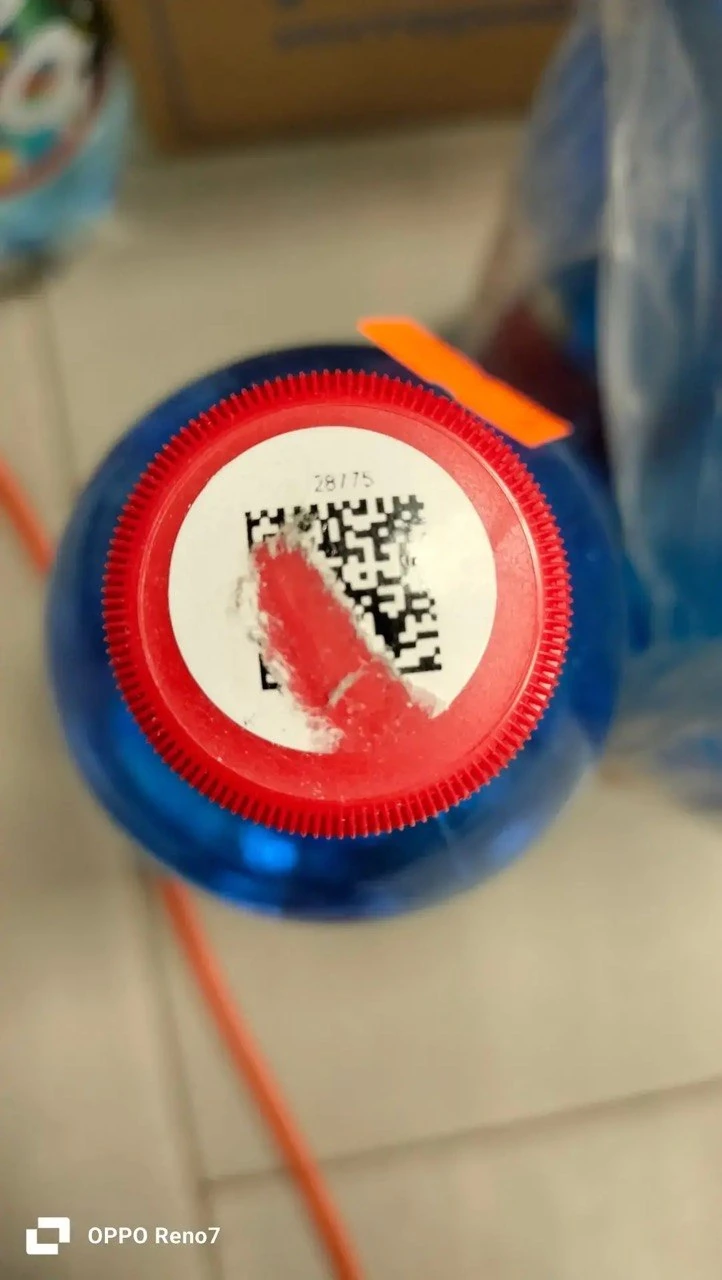
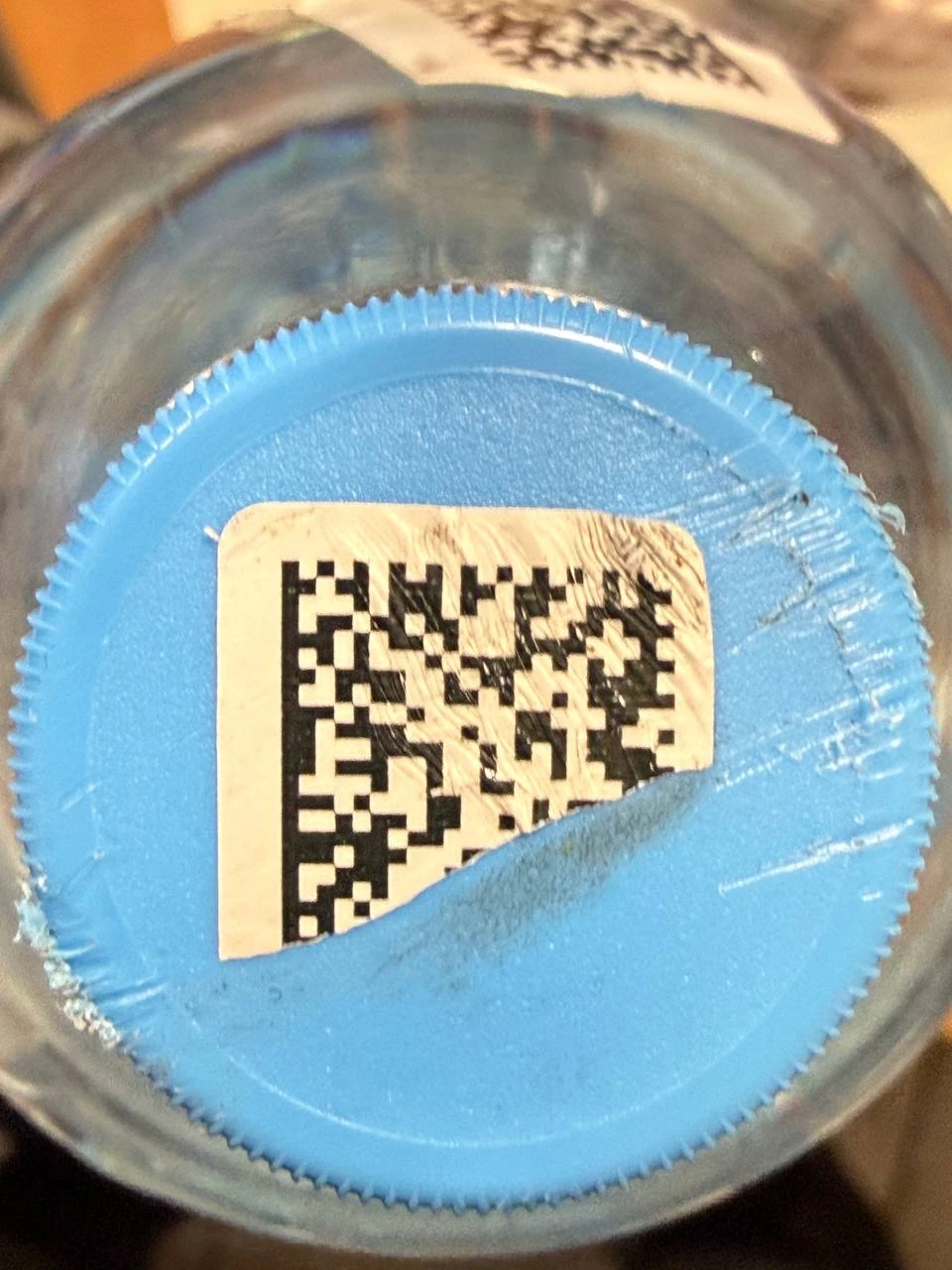
Large part of the label missing
Specialised reading of scratched, folded, smeared or partially torn GS1 DataMatrix markings that standard checkout scanning cannot decode.
Usually 1–2 marking photos and a photo of the product barcode with digits, or the GTIN, are enough to start.
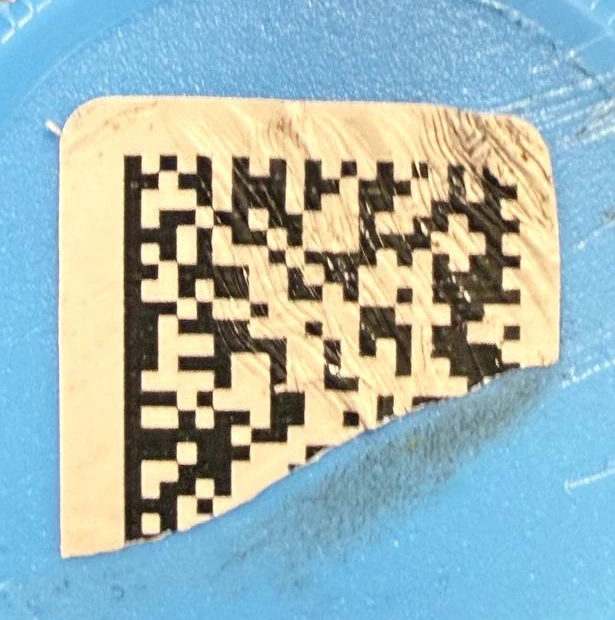
The item is already in the store. Staff need to resolve an unreadable marking without a long chain of calls and returns.
A small issue repeated across many stores becomes a stream of claims and reverse-logistics work.
A damaged marking becomes part of the retailer’s experience of the product and brand.
Select 1–2 marking photos and a photo of the product barcode, or enter the GTIN.
Check damaged codeUnreadable checkout codes, GTIN, DataMatrix sizes, product categories and the role of context in reading severe damage. Russian marking rules are identified as such.
Open Knowledge BasePilots, integrations, investment and international product development.
Explore partnershipStart with your workflow and actual damaged-code cases. Then discuss the right engagement model.
Discuss your use case