
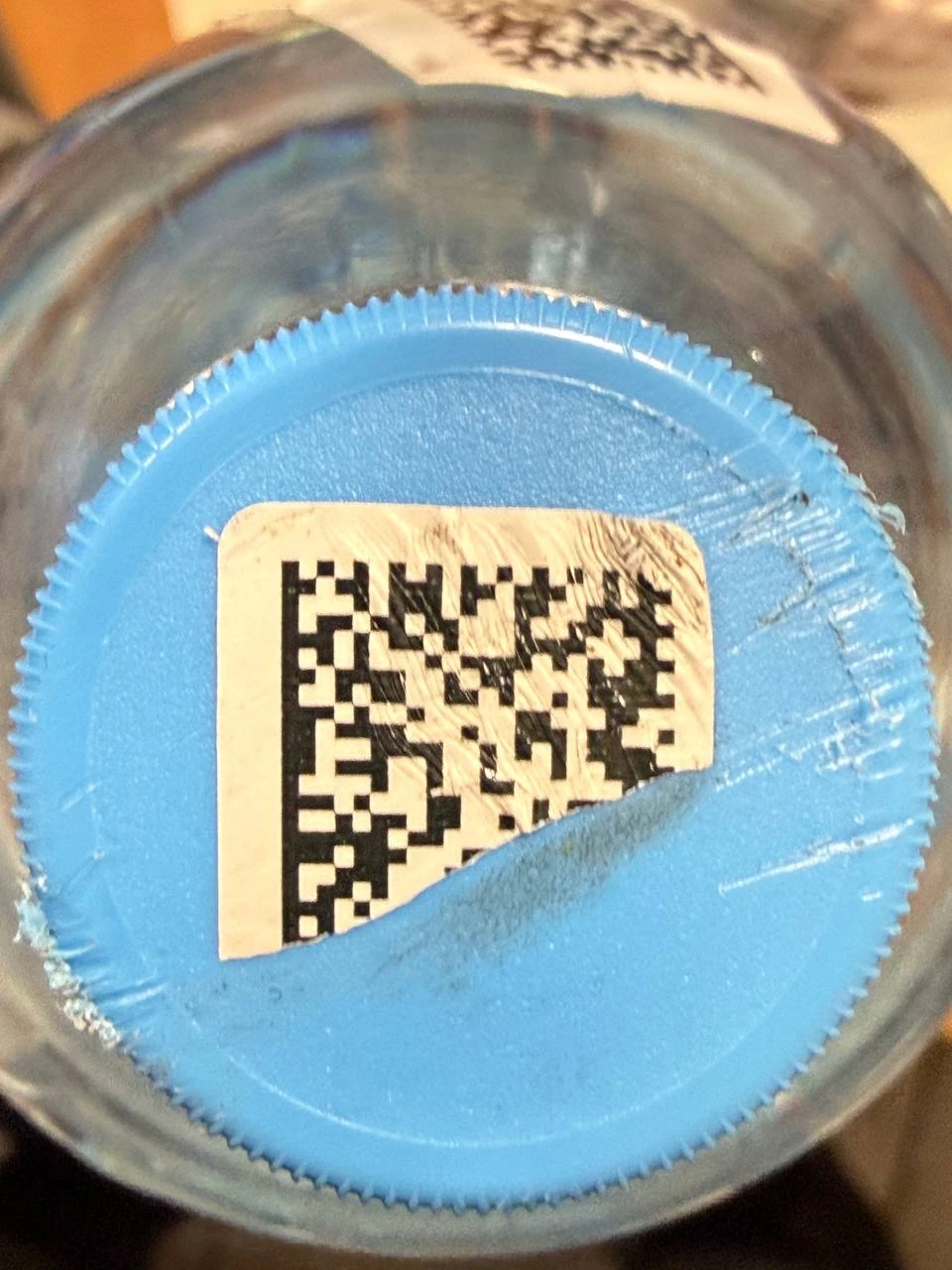
If one product fails to scan at checkout, start by inspecting the label itself: folds, abrasion, scratches, smeared print or a torn section.
If the sticker is bent, it may be carefully flattened, but it should not be rubbed or “improved” mechanically. Repeated manual attempts usually make the image worse.
In practice there are three options: set the item aside, start a write-off / re-marking workflow, or first test whether the original code can still be read.
Data Matrix Recovery is built for the third scenario. It is designed for damaged Chestny ZNAK markings that ordinary checkout scanners can no longer decode.
For analysis we usually need 1–2 close photos of the damaged marking and a photo of the same product’s linear barcode with the printed digits visible. The GTIN can also be sent as text.
If reading succeeds, you receive a readable representation of the same original code, which can then be scanned again in the normal checkout process.